ALL Article List

 Basics of RAW Development
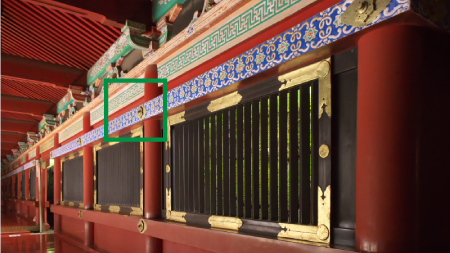
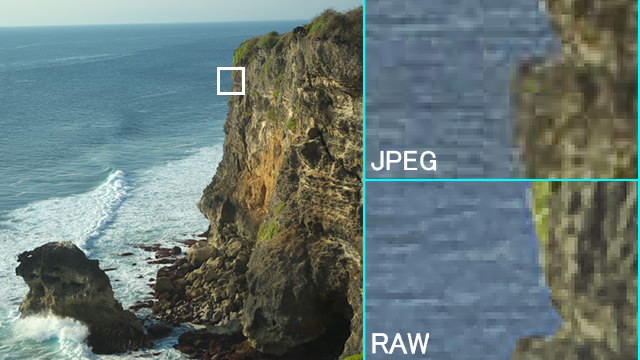
Functions Introduction
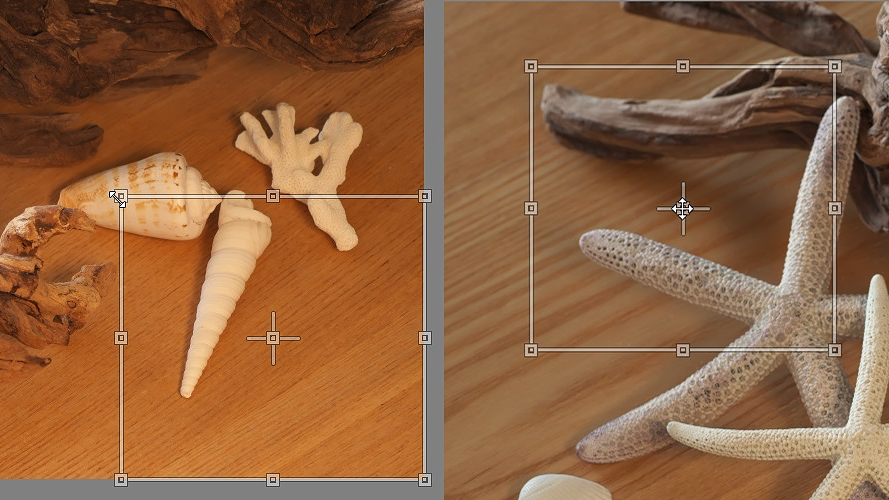
Auto area specification tool

White level
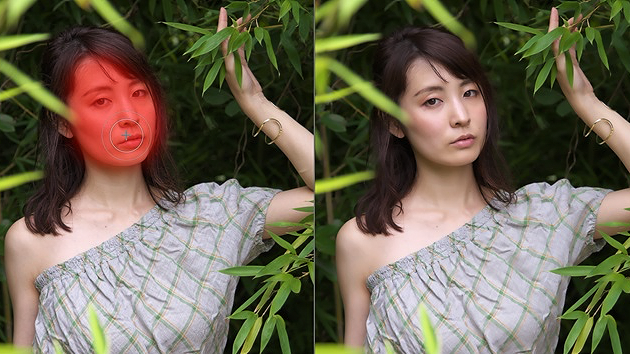
“Clarity” and "Sharpening" of the Partial correction tool

Retouch brush tool

Fine color controller (Advanced)
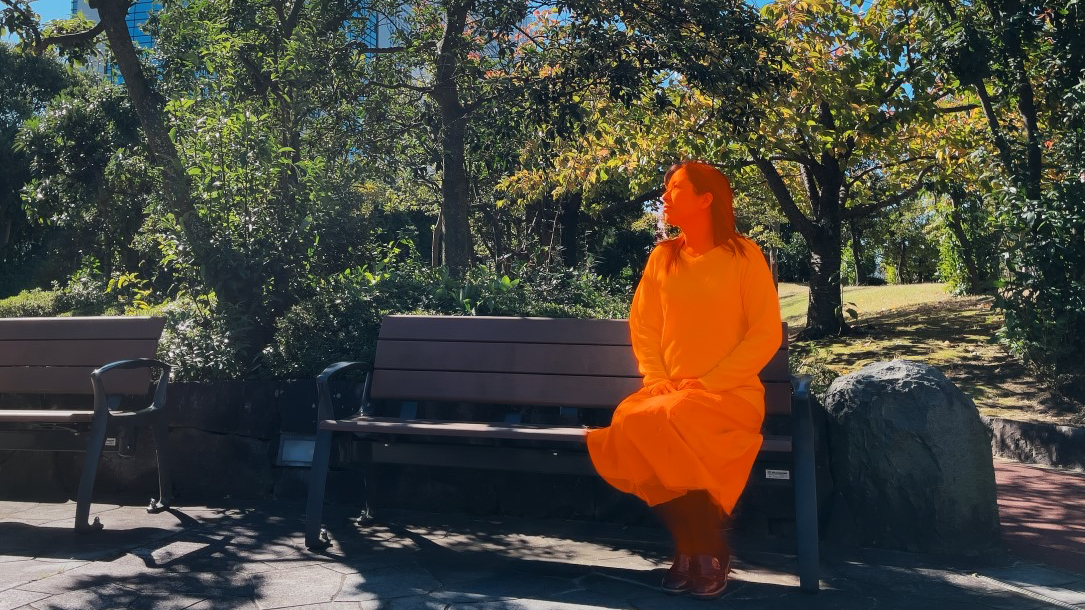
Object information (Semantic Masks) filter

Super resolution / Multiple exposure (moving object)
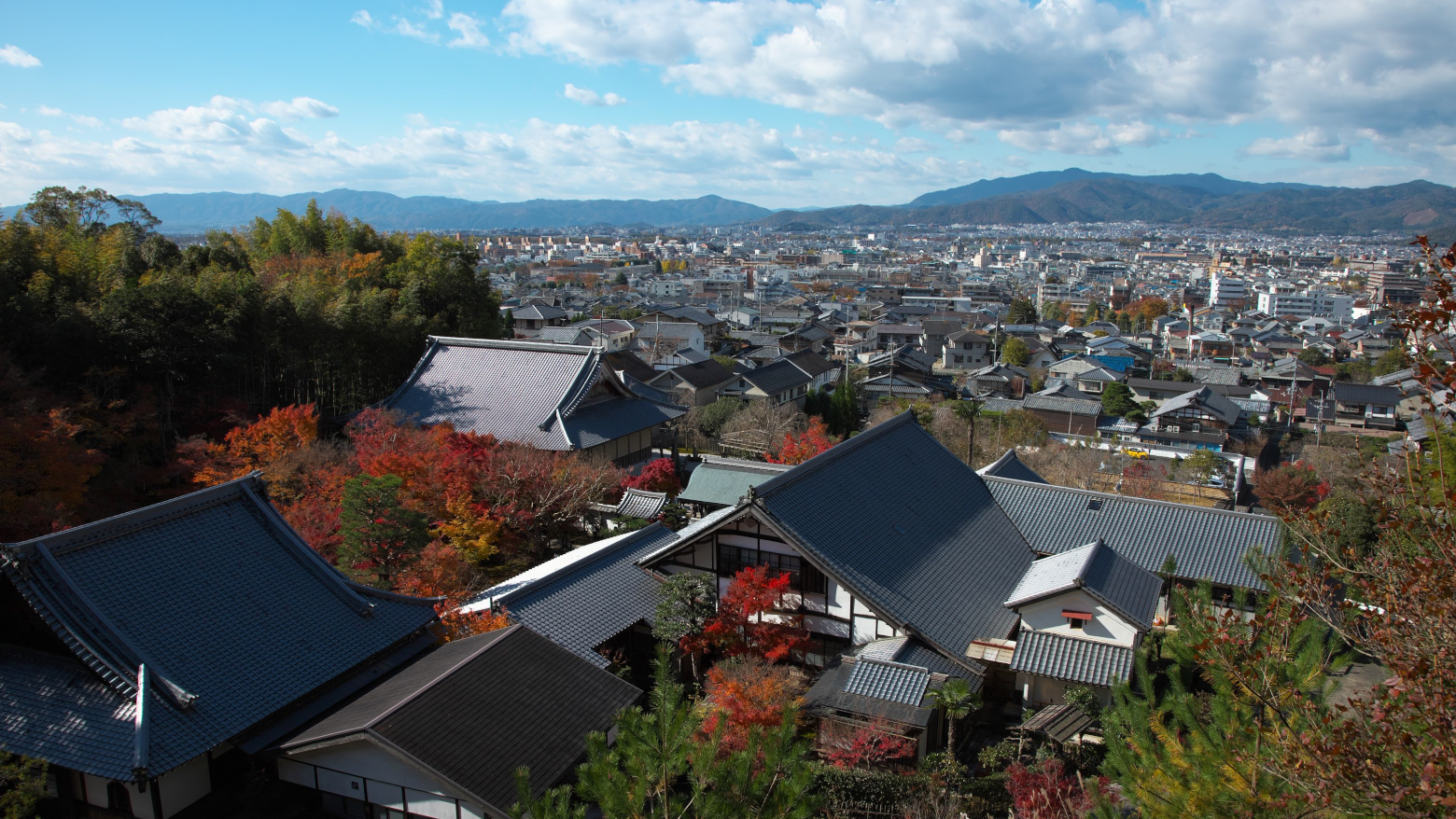
New Demosaicing Engine "Clear view"

Enjoy Photo Adjustments! Taste Collection 2021

Let’s adjust flower photos with RAW development to high-key tone photos

Convert Negative film images into Digital data with SILKYPIX!

The recommend functions to adjust Cosplay photos on SILKYPIX [Part 2]

The recommend functions to adjust Cosplay photos on SILKYPIX [Part 1]

Create fireworks with Lighten composite
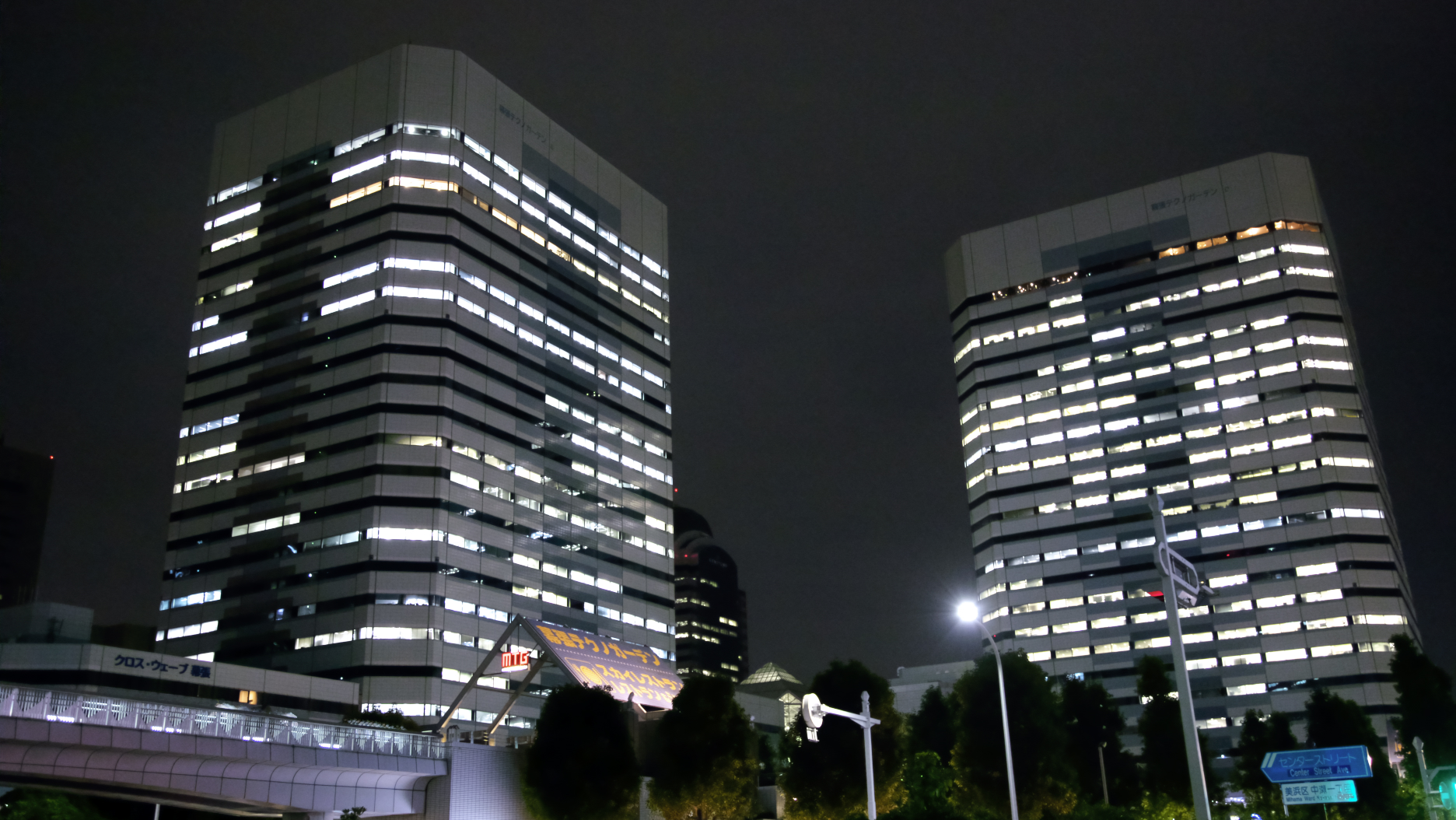
Let’s use the "Multiple exposure (night view)"
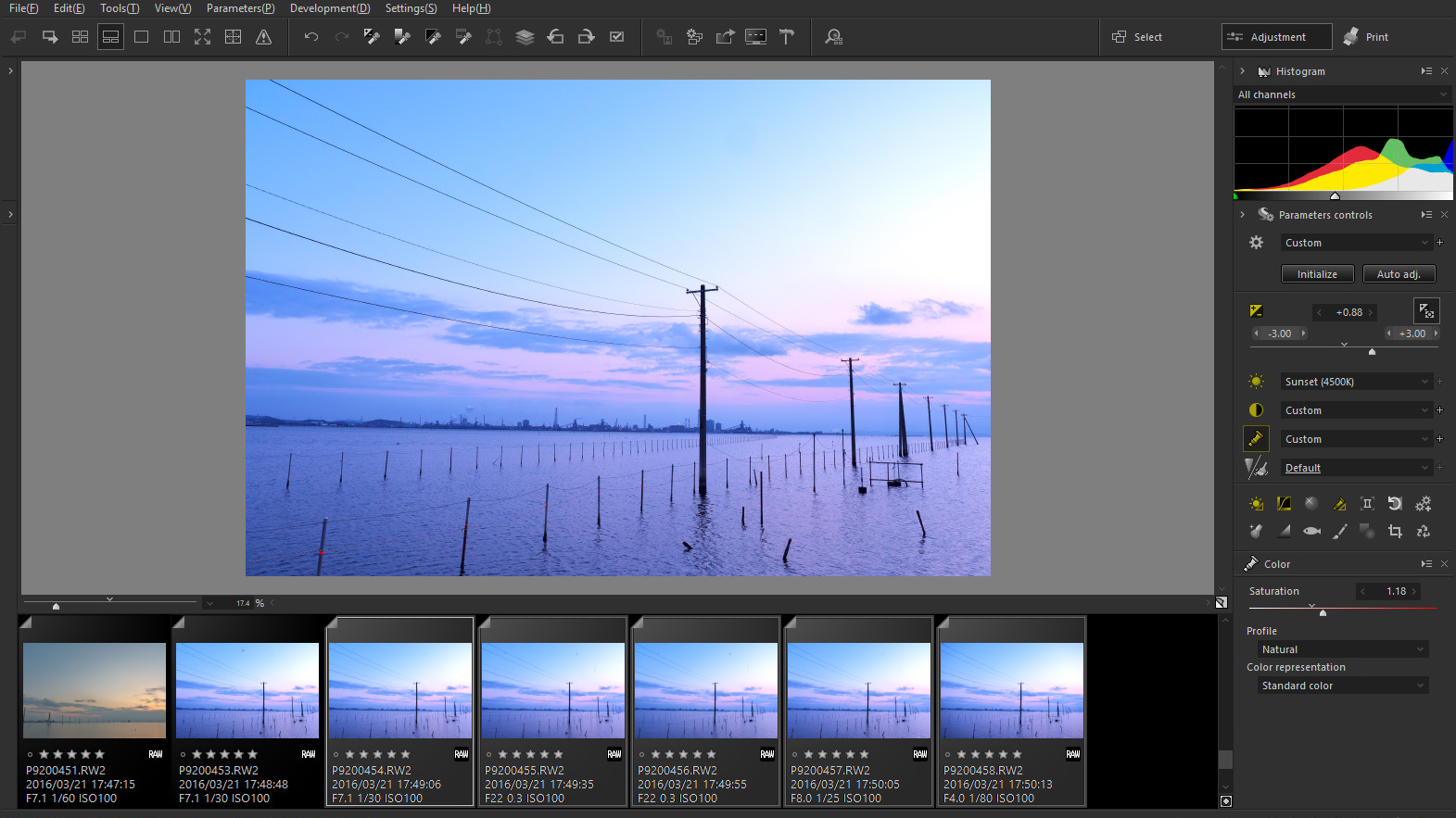
Useful Features of SILKYPIX
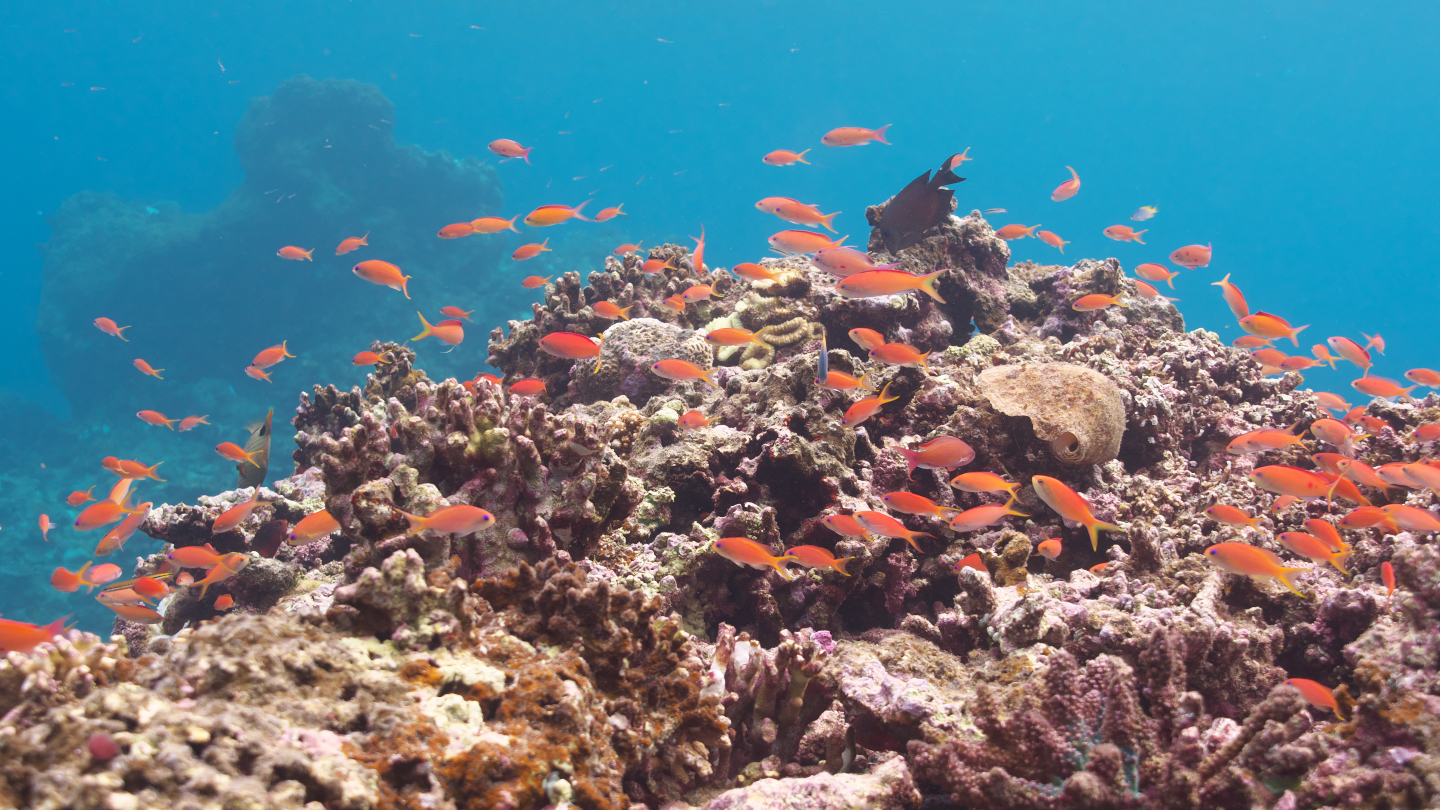
Underwater photo controller
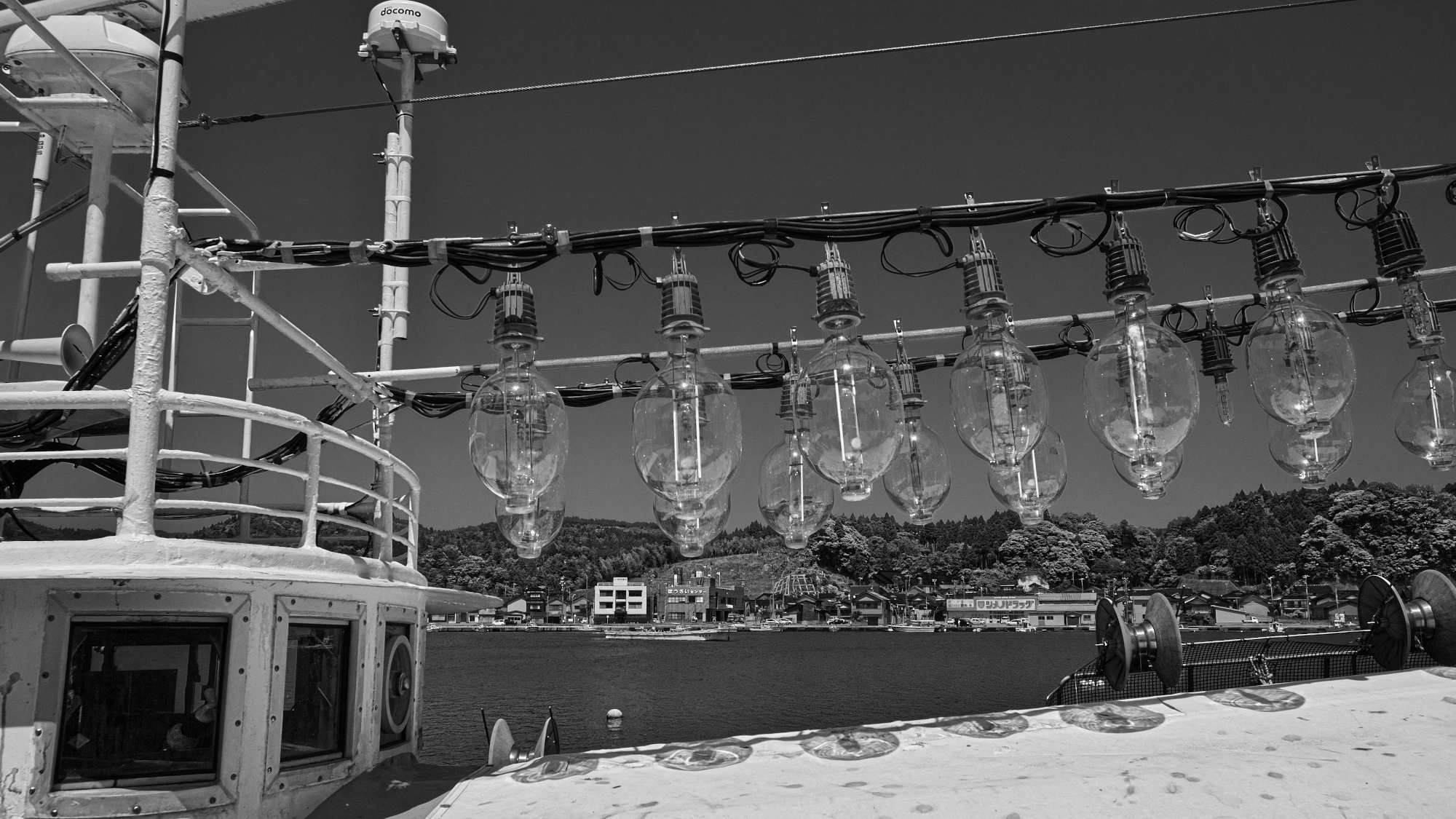
Monochrome Controller

Creative and artistic "Taste"

The Negative film inversion tool

"Linear" of the Blurred / Sharp periphery
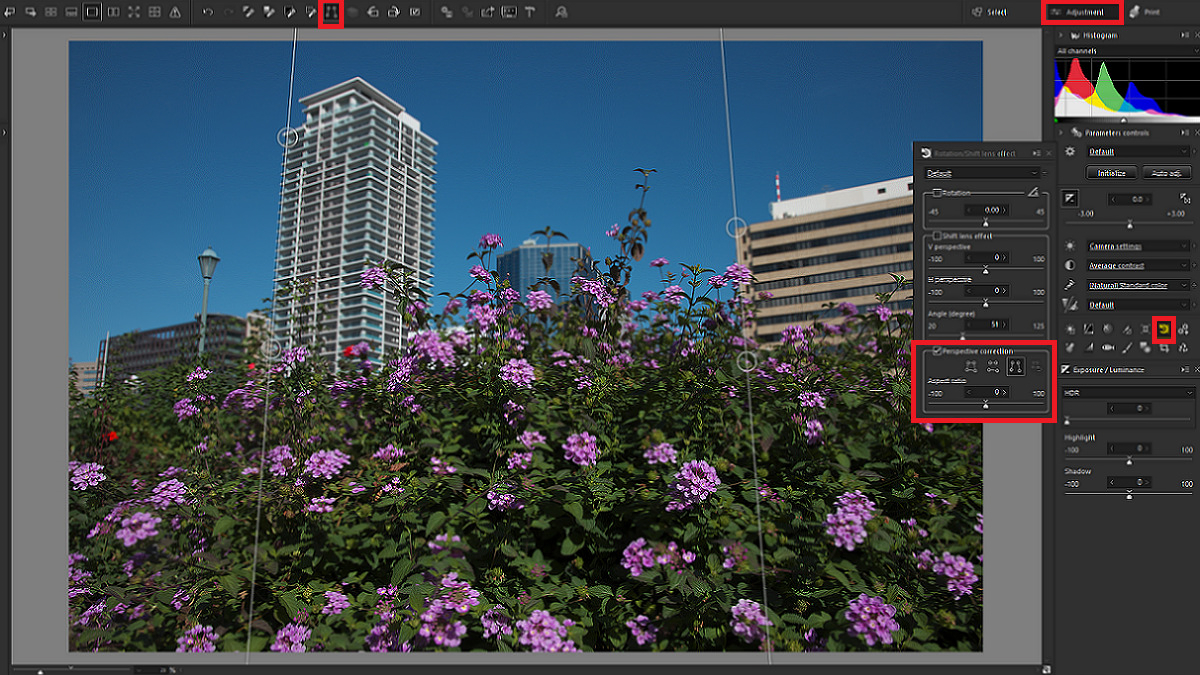
The Perspective correction tool
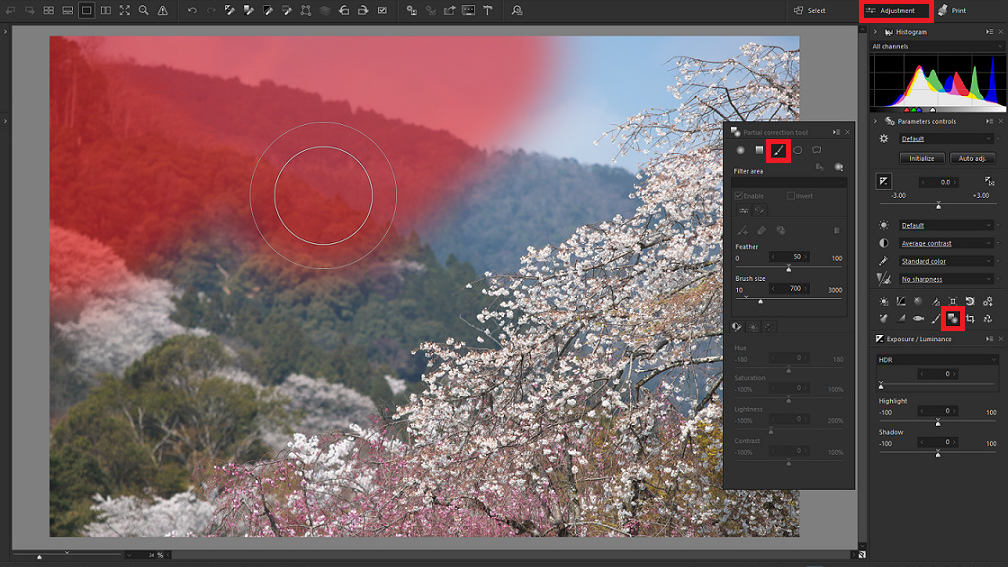
"Blur" of the Partial correction tool

Noise reduction "Fine detail" mode
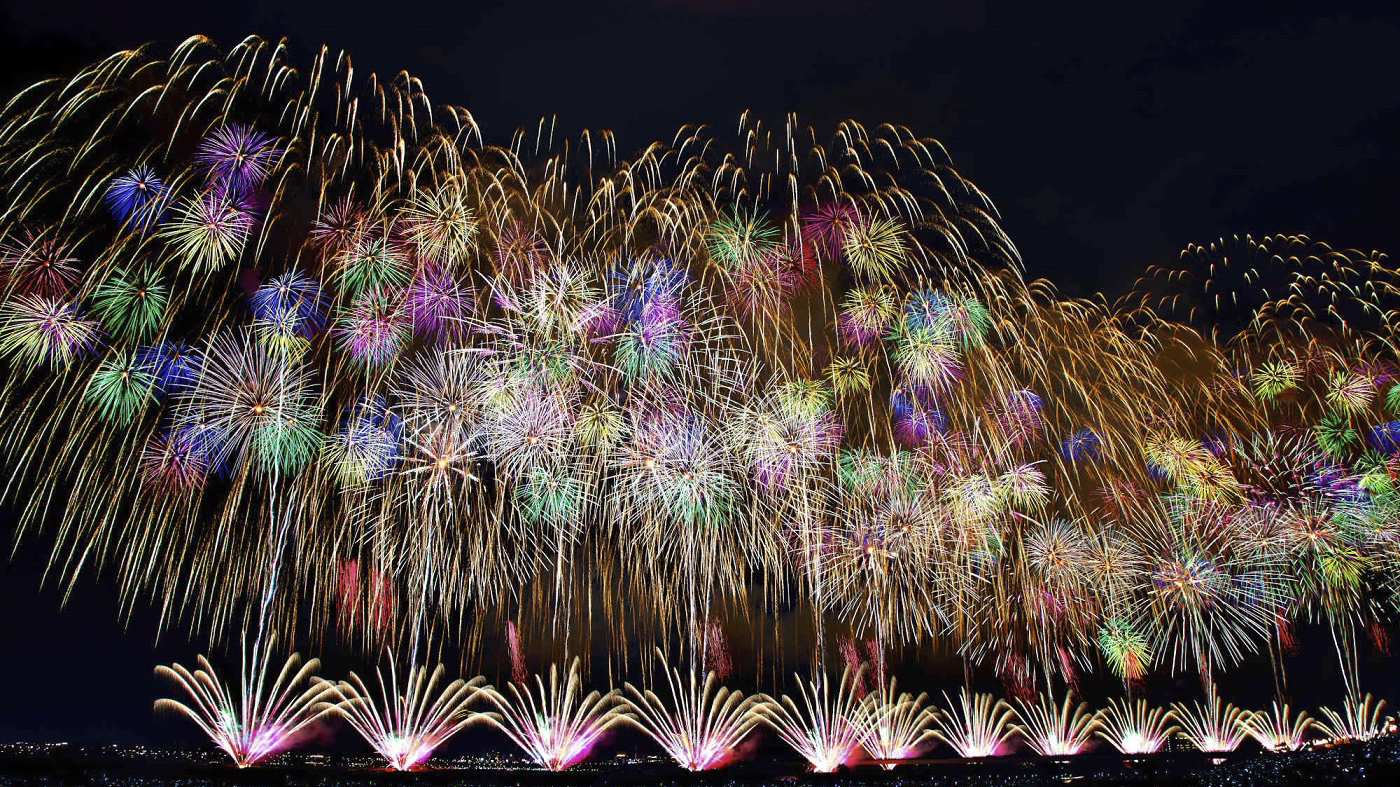
Compositing function
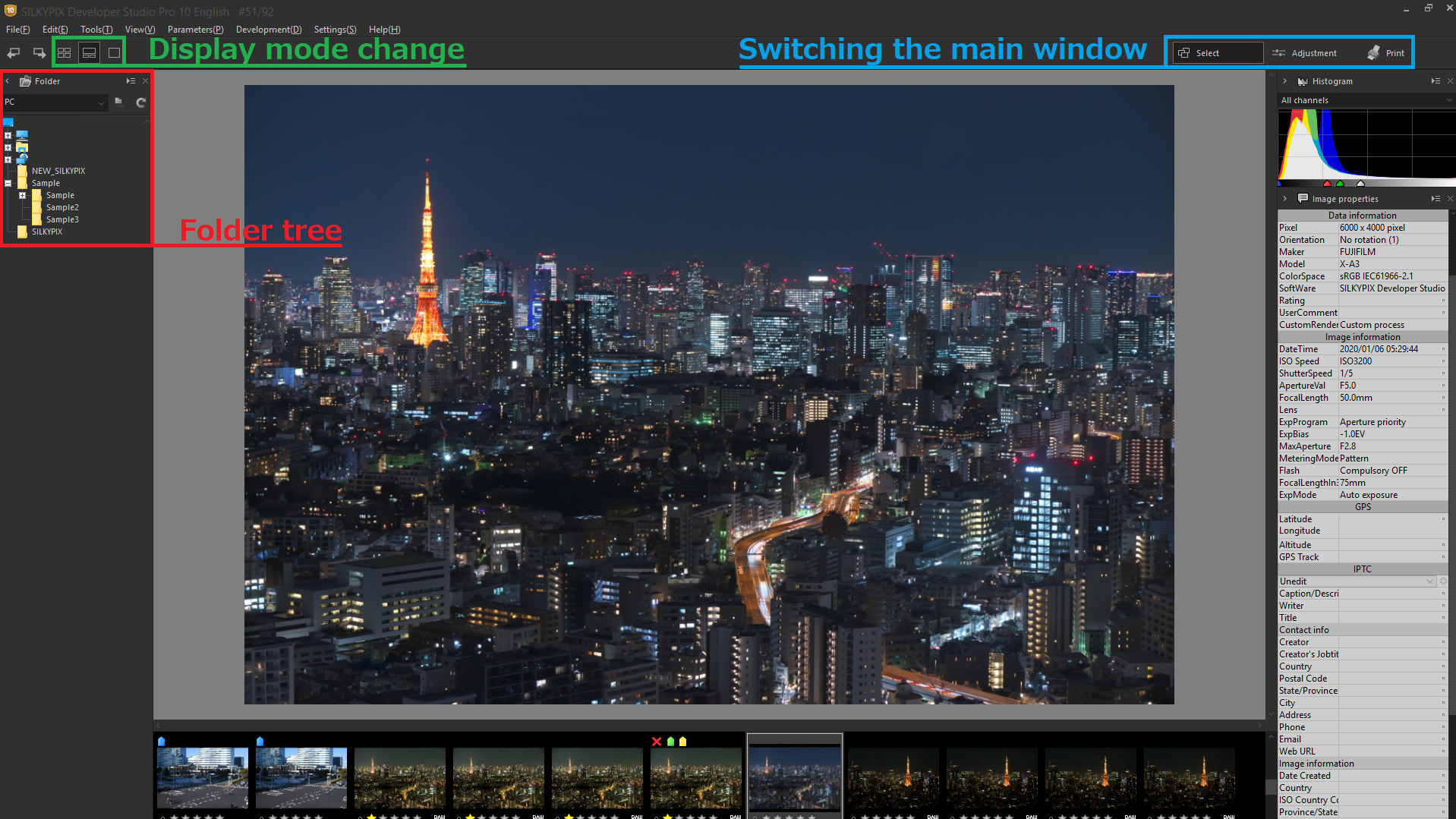
Main window section switching
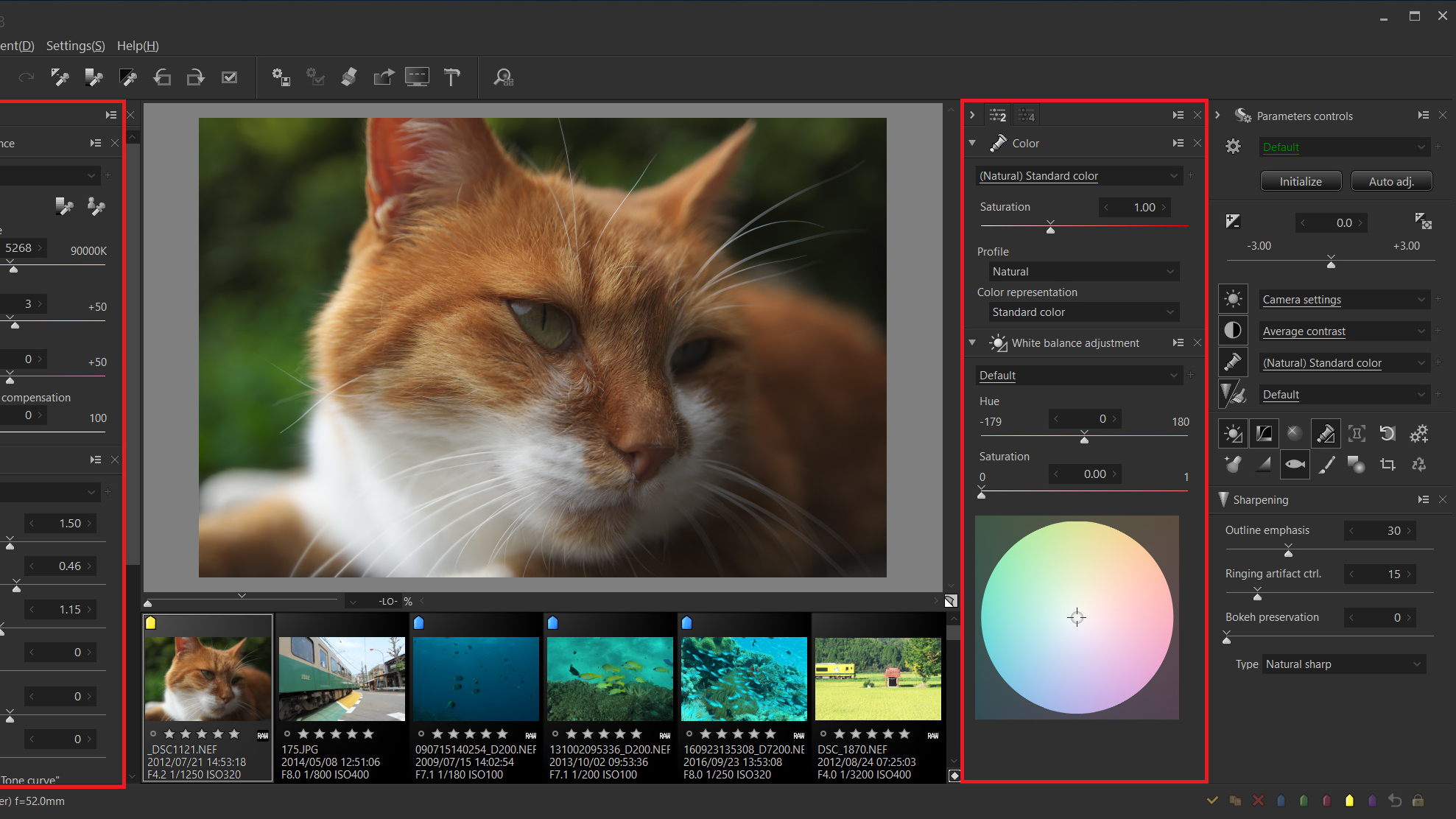
Useful features 2
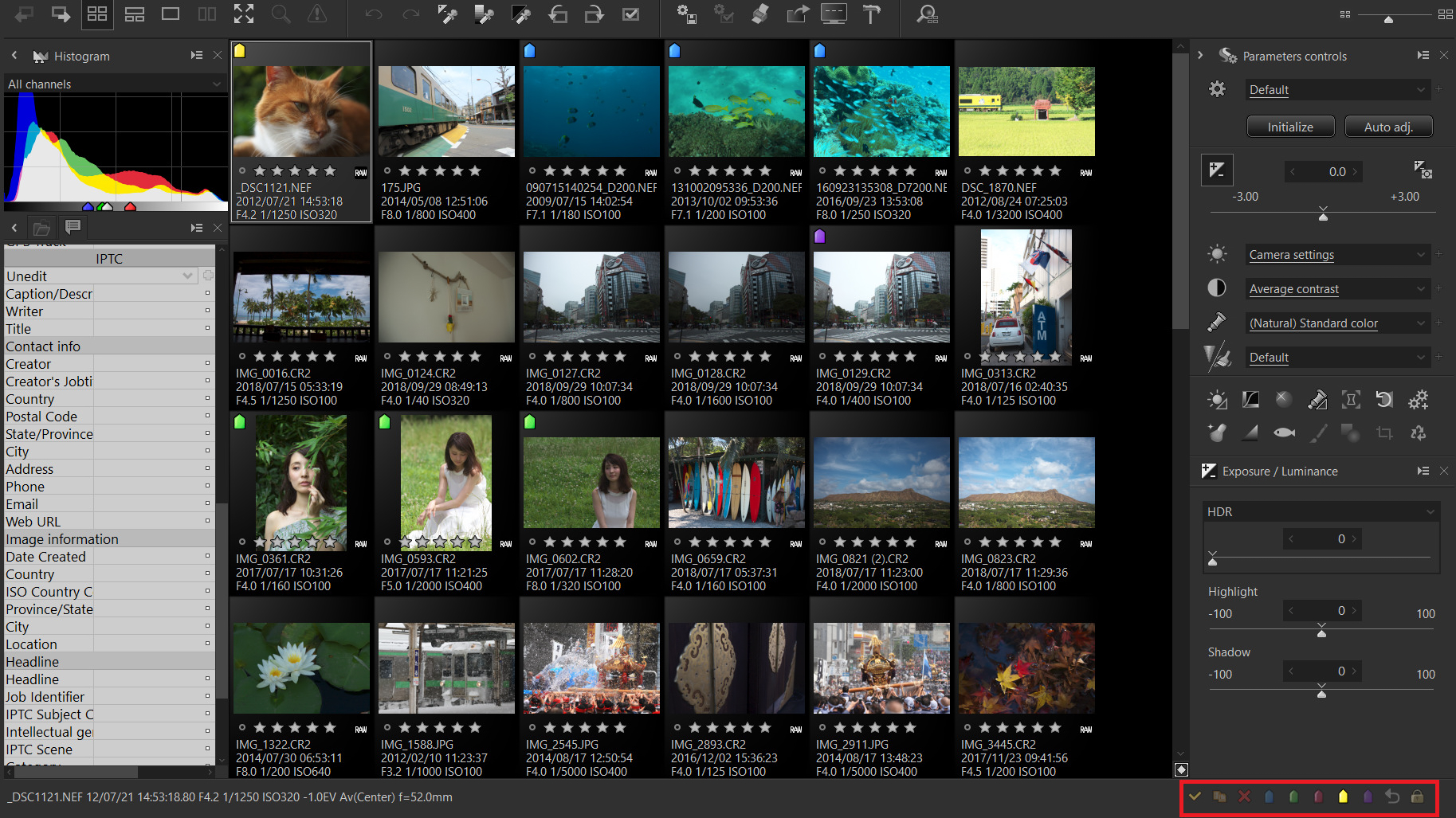
Useful features 1

Level of shadow noise reduction
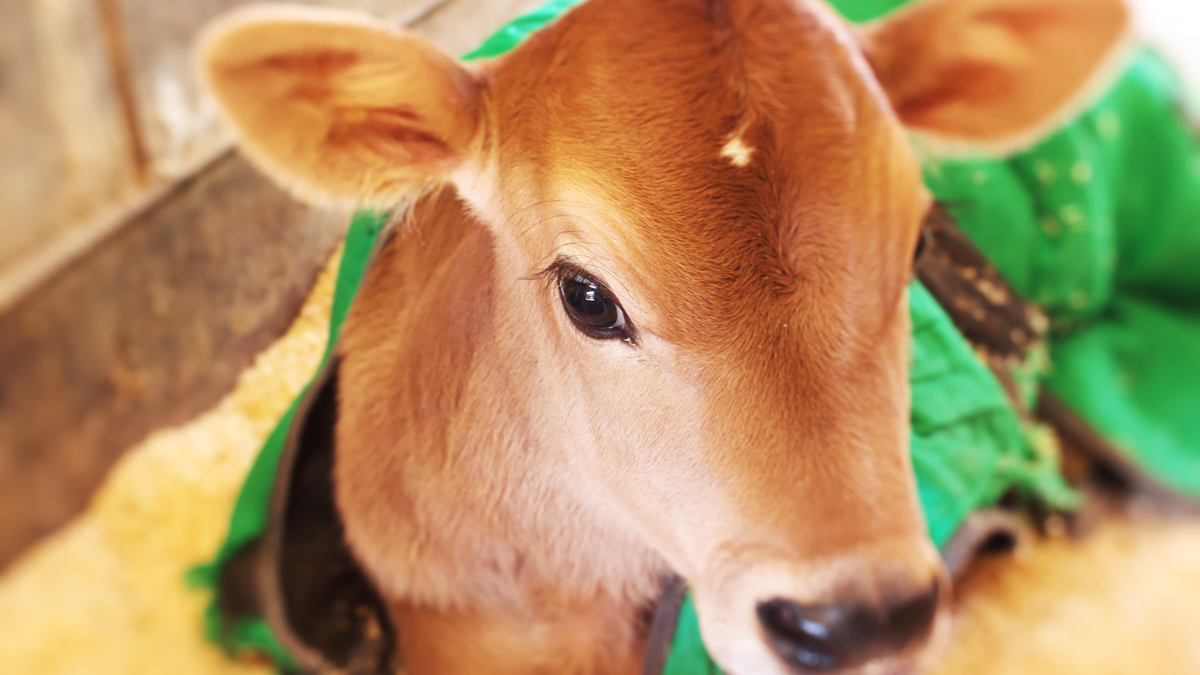
Blurred/sharp periphery
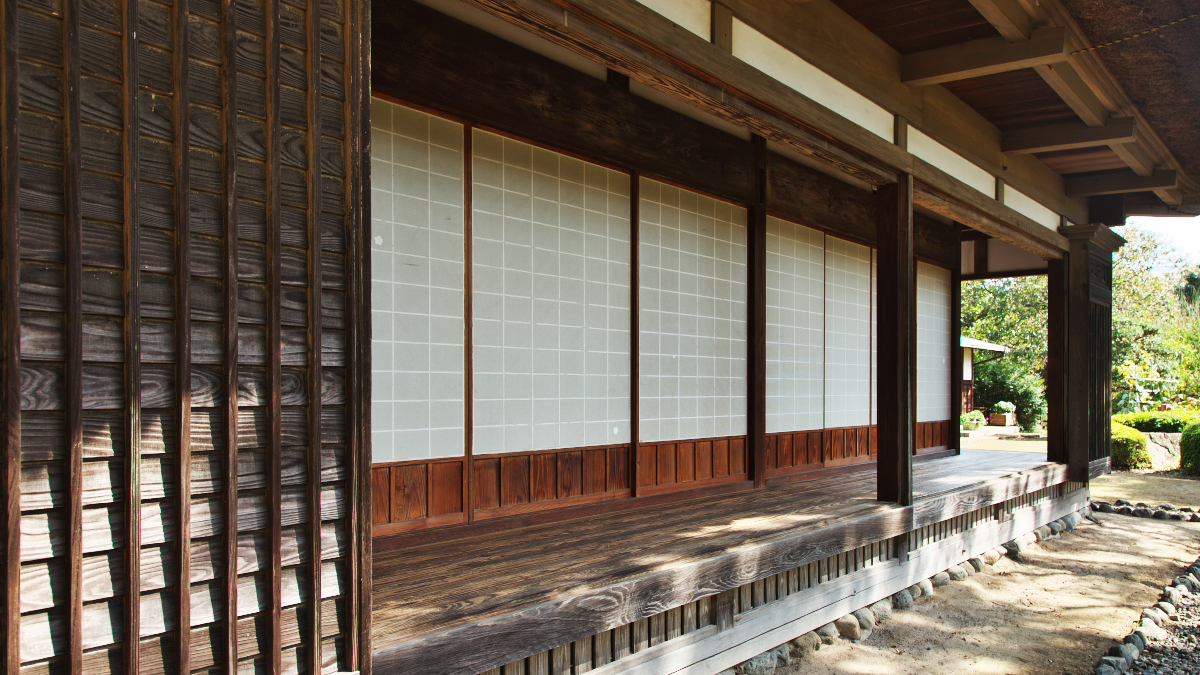
Automatic distortion correction using JPEG
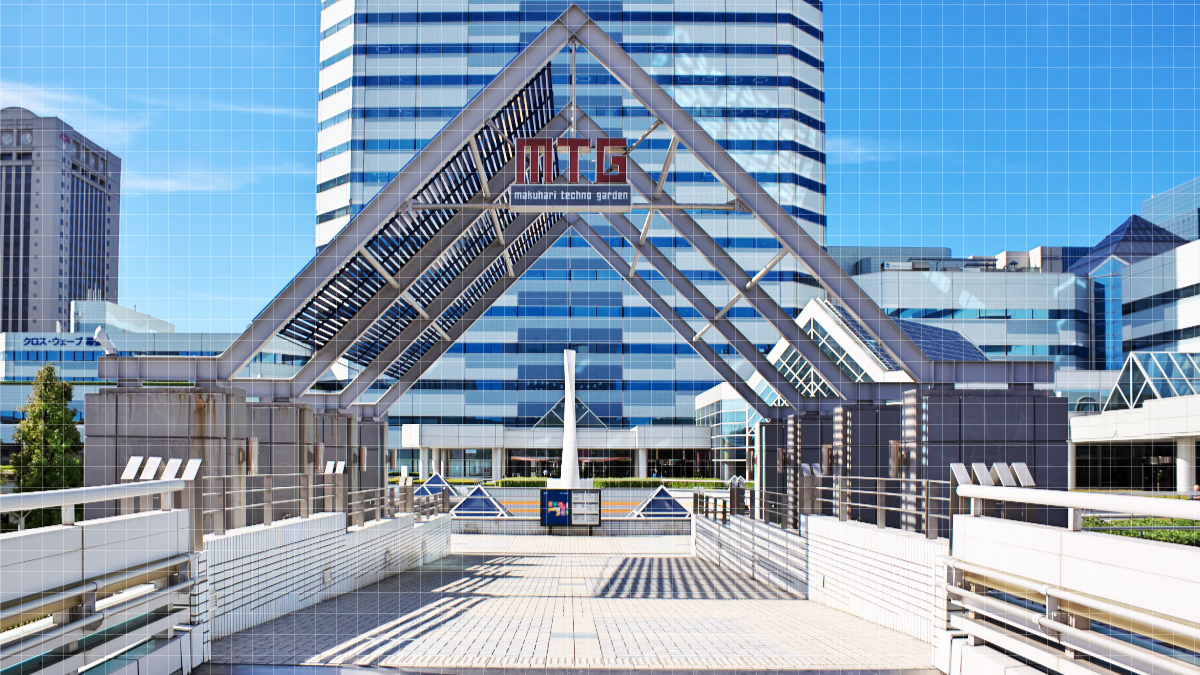
Lens profile

The Partial correction tool 2
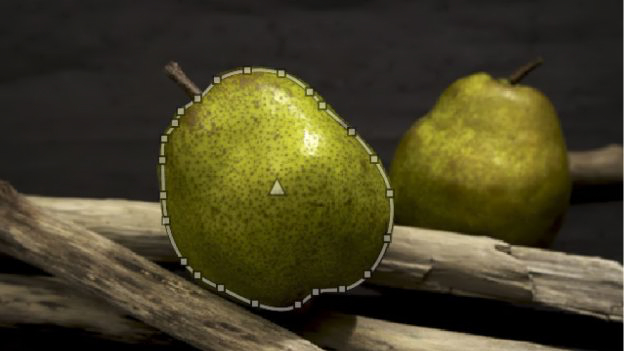
The Partial correction tool 1

Highlight/Shadow

Dehaze
Show more